





Avahra
Moderators
-
Joined
-
Last visited
Everything posted by Avahra
-
@Dateranoth Right now Im working on a picture of one of my dogs but its taking time I did jist finish a wow commission thst looked like this
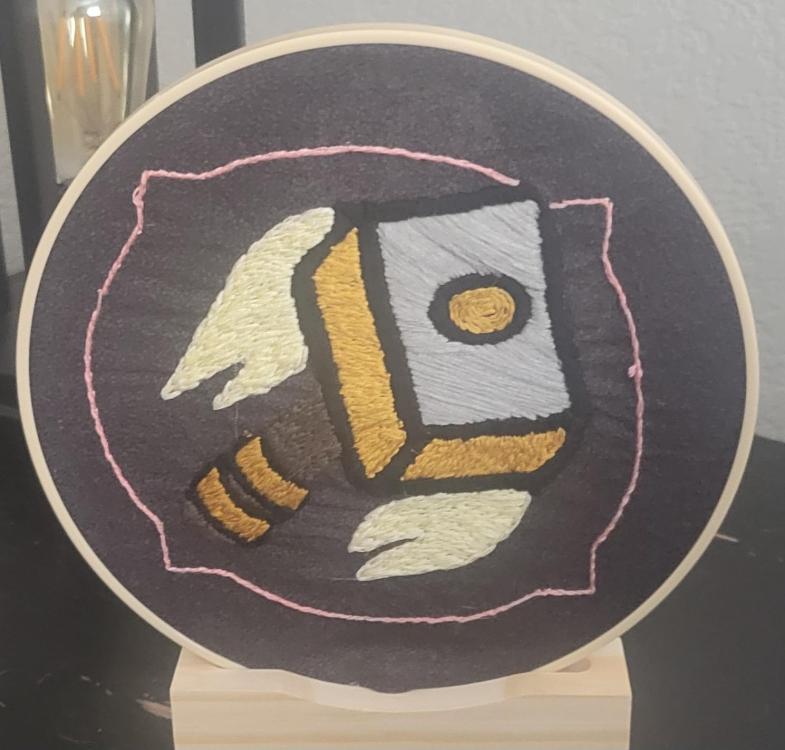
-
I still play a lot of wow. I have a switch 2 and steam. chicken horse or whatever it is called is a pretty fun online game. the only issue i think is availability for people to all he off
-
Dude some of the stuff people make woth 3d printers is so cool though. I collect those stupid fabric birds from target LMAO
-
Other than playing games and getting called cool new racial slurp by the youth. what new hobbies have you started? Ive recently got stupidly into embroidery and paper shadowbox art. I call it grandma hobbies time
-
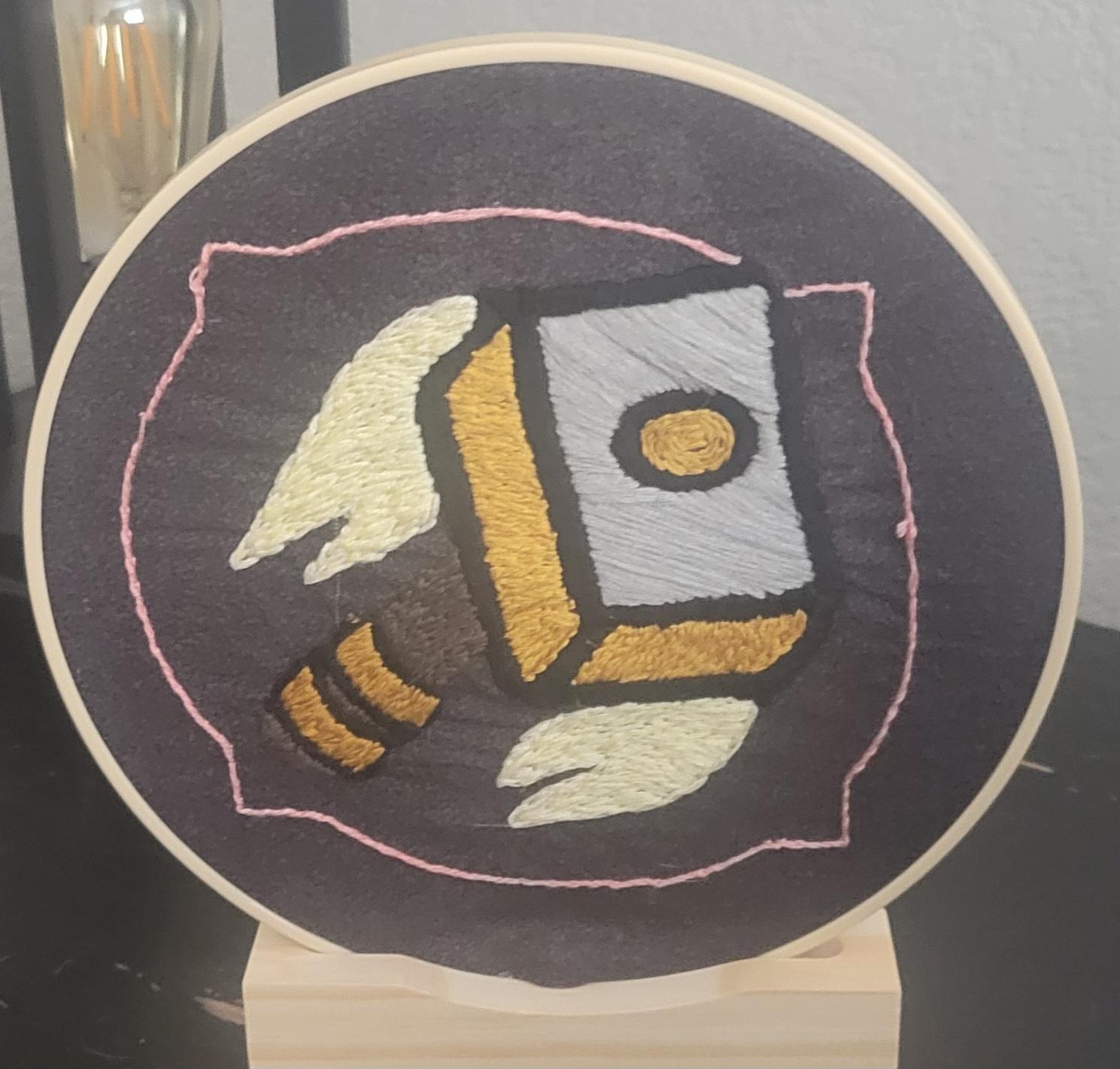
Ywah but I wanna just upload from my phone like a spoiled bratLMFAO IM DEADWait I cant see it lmaoAnyways to upload pics other than ingur?lmao dying for a before and now pics thread of all if as as we aged into graceful old fartsIve had this once since idfk how long but it mostly just gets spam these daysThat is all.Ya'll don't even know how SAD I AM that this group broke upTUT TUT YES MY TITS ARE ON FIREThis is really cool. Now all we need to do is coordinate a 4 character screenplay and have Ms. B do her voices againIt is, it's a cosplay from the witcher


Account
Navigation
Search
Configure browser push notifications
Chrome (Android)
- Tap the lock icon next to the address bar.
- Tap Permissions → Notifications.
- Adjust your preference.
Chrome (Desktop)
- Click the padlock icon in the address bar.
- Select Site settings.
- Find Notifications and adjust your preference.
Safari (iOS 16.4+)
- Ensure the site is installed via Add to Home Screen.
- Open Settings App → Notifications.
- Find your app name and adjust your preference.
Safari (macOS)
- Go to Safari → Preferences.
- Click the Websites tab.
- Select Notifications in the sidebar.
- Find this website and adjust your preference.
Edge (Android)
- Tap the lock icon next to the address bar.
- Tap Permissions.
- Find Notifications and adjust your preference.
Edge (Desktop)
- Click the padlock icon in the address bar.
- Click Permissions for this site.
- Find Notifications and adjust your preference.
Firefox (Android)
- Go to Settings → Site permissions.
- Tap Notifications.
- Find this site in the list and adjust your preference.
Firefox (Desktop)
- Open Firefox Settings.
- Search for Notifications.
- Find this site in the list and adjust your preference.