
Skip to content
View in the app

A better way to browse. Learn more.

Gamercide

A full-screen app on your home screen with push notifications, badges and more.

To install this app on iOS and iPadOS
  1. Tap the Share icon in Safari
  2. Scroll the menu and tap Add to Home Screen.
  3. Tap Add in the top-right corner.
To install this app on Android
  1. Tap the 3-dot menu (⋮) in the top-right corner of the browser.
  2. Tap Add to Home screen or Install app.
  3. Confirm by tapping Install.
Welcome back to Gamercide!

Leaderboard

Popular Content

Showing content with the highest reputation since 09/10/26 in all areas

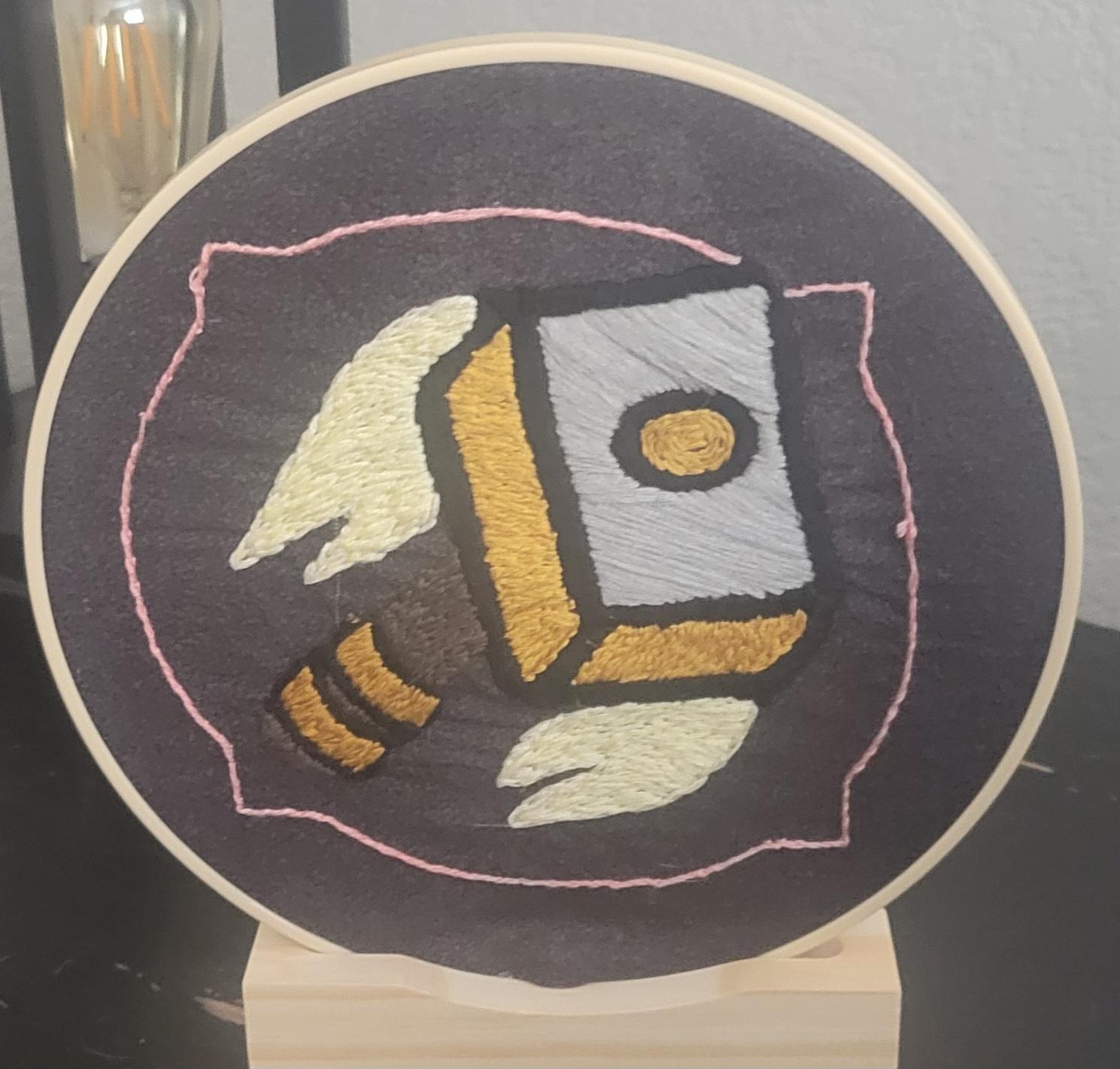
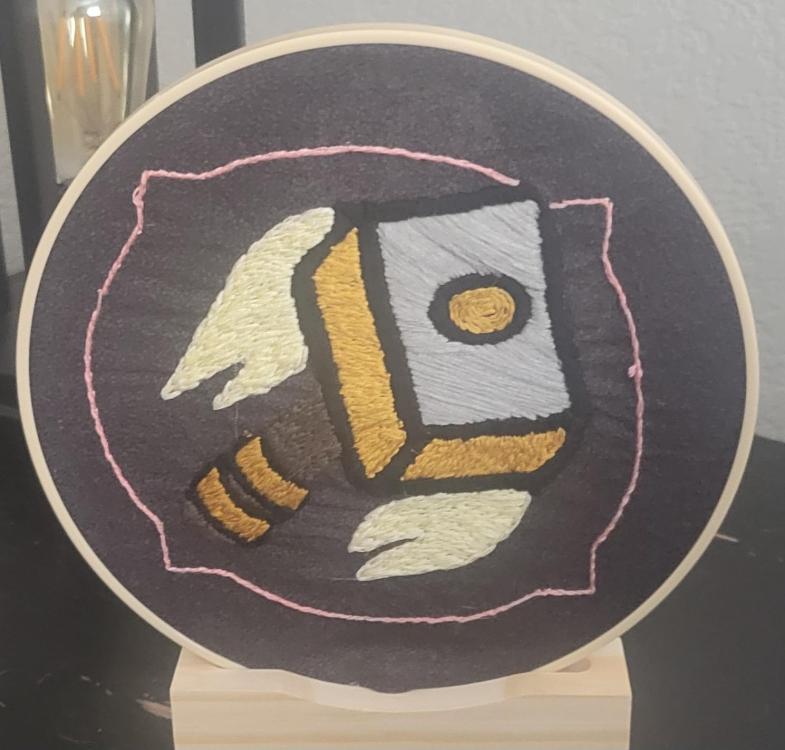
  1. @Dateranoth Right now Im working on a picture of one of my dogs but its taking time I did jist finish a wow commission thst looked like this
  2. Apparently someone has already made a 3D model of the gator figure that comes with it...I'll prob drop the creator a buck just to get the print file.

Account

Navigation

Search

Search

Configure browser push notifications

Chrome (Android)
  1. Tap the lock icon next to the address bar.
  2. Tap Permissions → Notifications.
  3. Adjust your preference.
Chrome (Desktop)
  1. Click the padlock icon in the address bar.
  2. Select Site settings.
  3. Find Notifications and adjust your preference.