





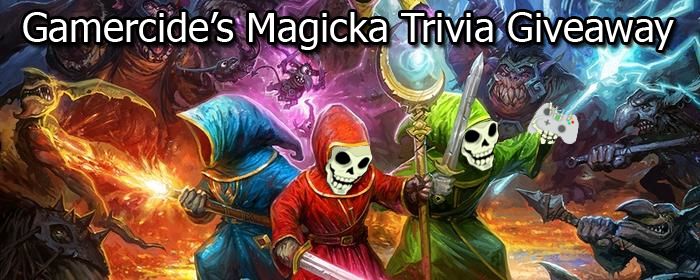
We here at Gamercide love Magicka. So much so that we want you to have a chance to play it, too. This Friday and Saturday, from 10PM Pacific onwards, we will be streaming the game and giving away codes for it. All you have to do is watch our stream, courtesy of JustinTV (thanks to Dateranoth for the excellent design for our streaming page), and answer some trivia based on the game as we play it.
4 codes will be up for grabs at 10PM PST on Friday, 2/11 as Dateranoth plays, and another 5 will be available the next day, 10PM PST on Saturday, 2/12 as AudaciousKevin (yours truly) takes over. So if you miss out on day one, there will be more codes for you to win the next day. Just pay attention to the stream as we play, and be the first to get the questions right, and the game is as good as yours. Please note that, due to potential lag, the winner will be decided based on who the broadcaster sees post the correct answer first in the chat log.
Thanks to the publisher of Magicka, Paradox, for providing some of the codes for us, and of course Arrowhead Game Studios for developing such a great game.
Winners will be gifted the game through Steam on the PC. Feel free to check out the Steam demo, as well. Even if you don't win, the game is well worth the ten dollar asking price.
Hope to see you there!

Recommended Comments
Please sign in to comment
You will be able to leave a comment after signing in
Sign In Now