




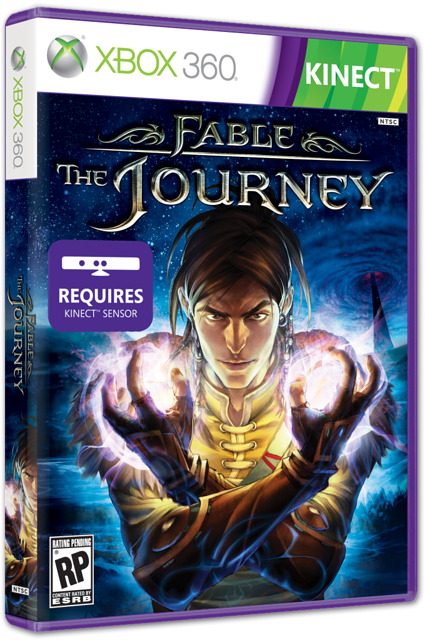

Creators of the upcoming Kinect only spin on the Fable series, Fable: The Journey, are saying that fans are being unfair and that they really need to just give it a chance.
Former Microsoft employee and Fable Designer Peter Molyneux said in a recent press conference that he wants gamers to know that they will not be "leaping" through the air.
"From the blogs and the posts that I've seen, there's a lot of skepticism out there. People think that they're going to be leaping around the room or they're going to have to shout at the top of their voice and feel embarrassed. We don't want that - we want you to feel relaxed."
Molyneux isn't the only one that was on the Fable team that is speaking out. Both Dene and Simon Carter are saying that the response has not been "fair" and that if this was a Mario game, nobody would even question it.
"Why there can't be room for a Kinect side spin-off of the Fable franchise I don't know. That seems a bit odd. I can't think of any good reason why that would not work. If this was a Mario thing for example, if this was a Mario shooter based on the Wii controller, nobody would go, 'That's a terrible thing. That should never have happened. That's a betrayal blah blah blah vitriol vitriol."
Is Fable ready for Kinect, but more importantly are fans ready to take a Kinect only Fable game seriously?
via Eurogamer

Recommended Comments
Please sign in to comment
You will be able to leave a comment after signing in
Sign In Now