





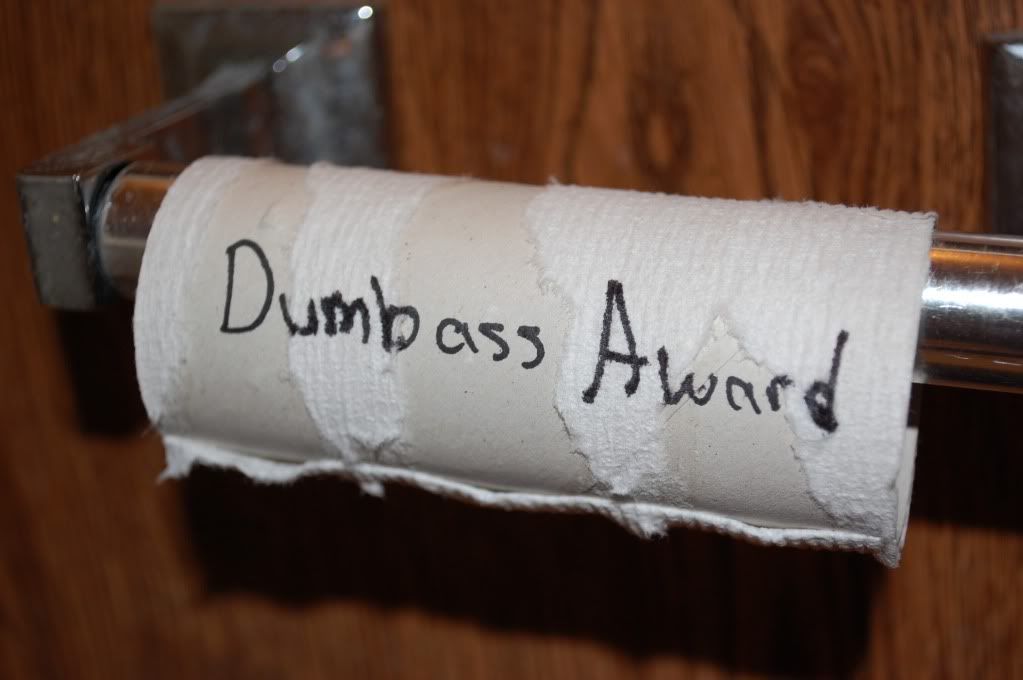
Today's Dumbass of the Day or the Dumbass Move of the Day is courtesy of Games on Demand, Xbox Live's digital download service. Announced today were the latest additions to the Games on Demand service and it is an example of sheer stupidity and outrageous prices.
If you have yet to get your hands on Infinity Ward's Modern Warfare 2, you can purchase it on Games on Demand for a whopping $59.99. Keep in mind that this game released November 10, 2009 and can be purchased on Amazon for $35.00 and a used copy can be purchased at video game retail king GameStop for $23.00.
Also available for purchase are Aliens vs. Predator for $30.00 and Rapala Tournament Fishing for $20.00.
Microsoft you should be ashamed of yourself for putting those prices on not just these games that are available in Games on Demand, but all of them. Most of those games don't even deserve $5.00 added to the purchase price especially after they have been out for almost a couple years and belong at the bottom of any gaming barrel.
On behalf of gamers everywhere I issue a huge thank you for showing how much you care about us and that you have indeed proved yourself to be the Dumbass of the Day.
via Joystiq

Recommended Comments
Please sign in to comment
You will be able to leave a comment after signing in
Sign In Now