




Skip to content
View in the app

A better way to browse. Learn more.

Gamercide

A full-screen app on your home screen with push notifications, badges and more.

To install this app on iOS and iPadOS
  1. Tap the Share icon in Safari
  2. Scroll the menu and tap Add to Home Screen.
  3. Tap Add in the top-right corner.
To install this app on Android
  1. Tap the 3-dot menu (⋮) in the top-right corner of the browser.
  2. Tap Add to Home screen or Install app.
  3. Confirm by tapping Install.
Welcome back to Gamercide!

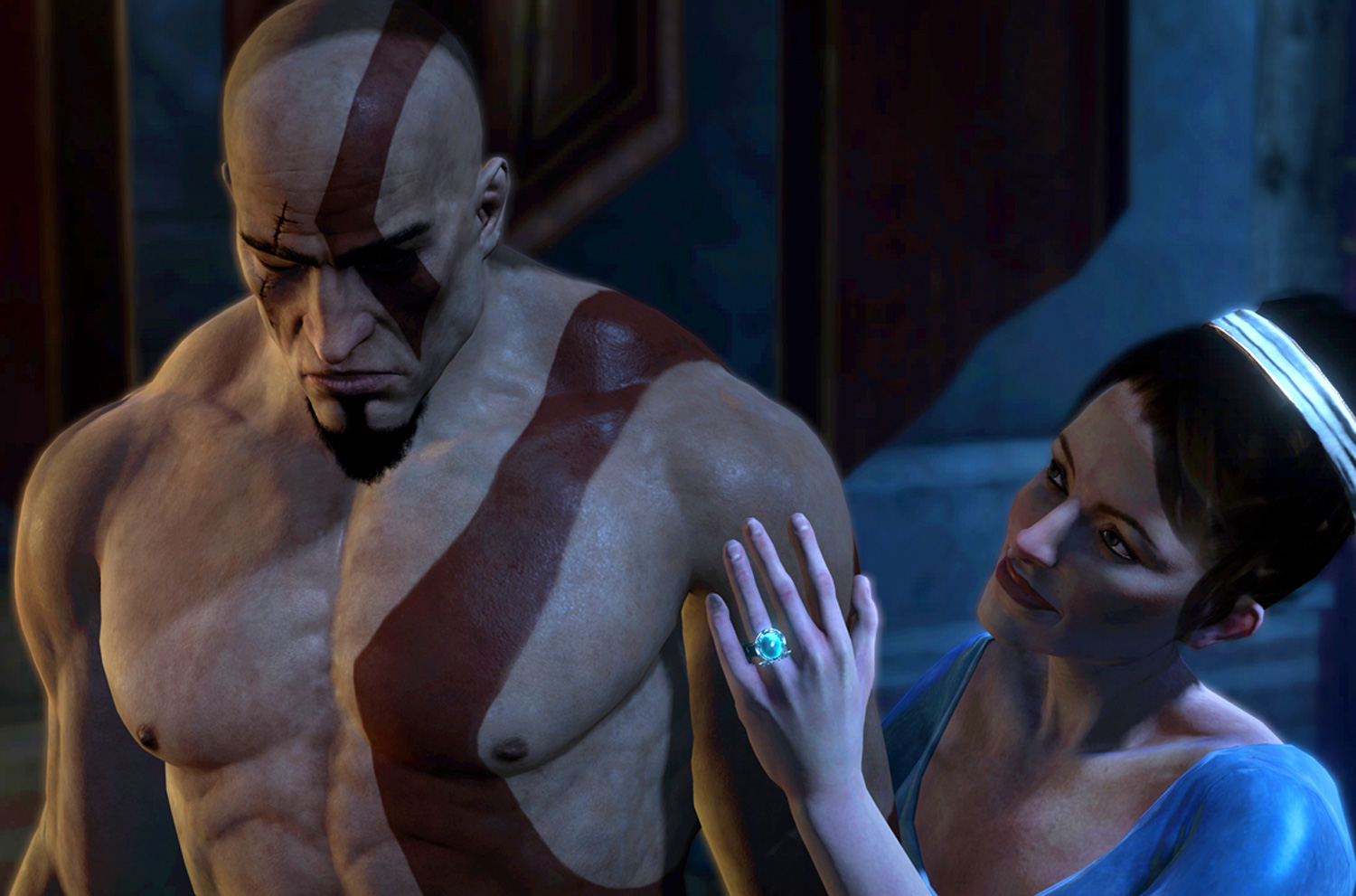
Controversy Hits God of War: Ascension

  • The highly anticipated prequel to the God of War series, God of War: Ascension released today, but not without meeting some controversy from overly sensitive reviewers that caused the developers to change the name of a silver trophy titled "Bros Before Hos".

This simply named trophy caused a media backlash from reviewers including Adam Sessler who called the trophy "misogynistic" meaning characterized by a hatred of women, during his own review.

"This gut punch of misogyny irredeemably sours this game and it's shocking that such a talented developer would traffic in such a contemptible attitude. I have always liked the adult fantasy of the God of War games - that Grand Guignol silliness - and in this moment, it's all reduced to some frat-house joke, making me ashamed that I ever thought it was more than that in the first place."

As a result of the unified front against the name of the trophy, Sony Santa Monica confirmed to numerous media outlets including IGN, that they will change the name of the trophy to "Bros Before Foes" via a patch that will be available today.

User Feedback

Recommended Comments

Doesn't seem like that big of a deal to me, but I can see it as a bad idea for a major game company.

MrsBadExample

Live Casters

I'm all about getting offended if it's deserved, but this doesn't bug me for whatever reason. God of War has had far worse stuff than "Bros before Hoes" lol. 

Please sign in to comment

You will be able to leave a comment after signing in

Sign In Now

Members

No members to show

Member Statistics

  • 523 Total Members
  • 1640 Most Online
  • iceesnowman Newest Member ·

Account

Navigation

Search

Search

Configure browser push notifications

Chrome (Android)
  1. Tap the lock icon next to the address bar.
  2. Tap Permissions → Notifications.
  3. Adjust your preference.
Chrome (Desktop)
  1. Click the padlock icon in the address bar.
  2. Select Site settings.
  3. Find Notifications and adjust your preference.