





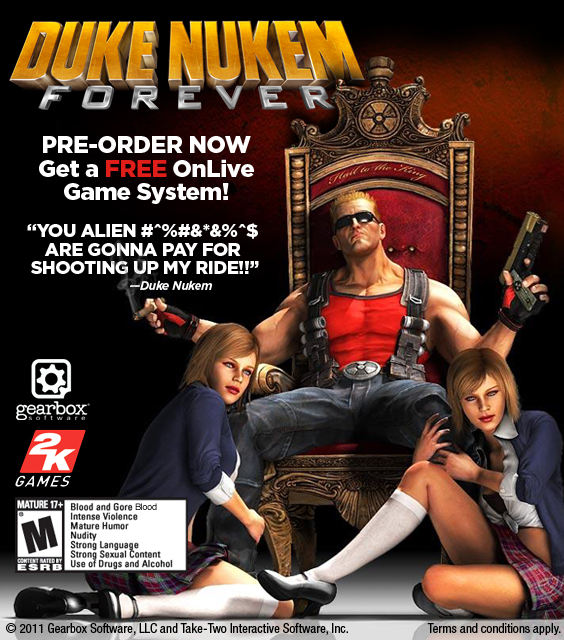
OnLive has announced that Duke Nukem Forever will be launching on their game streaming platform coinciding with the games US launch on June 14th. Partnering with Gearbox Software and 2K Games, they have also announced that with each pre-order, you will receive either a free game or the OnLive Micro Console. This deal is very similar to things they have done in the past with high profile game releases. John Spinale, OnLive VP of Games and Media had this to say:
"The satirical and action-packed gameplay of the Duke Nukem brand makes it a fantastic fit for next-level, easy-access gaming on the OnLive service. Members can laugh, taunt and quote Duke-isms in real-time as they battle alien invaders stealing Earth's women. This title is all about laugh-out-loud, engaging action -- and we're excited to bring the 'King of all shooters' to our members."
If you have ever wanted to try OnLive's Micro Console and plan on picking up Duke Nukem, this may be the way to go. Duke Nukem Forever lists for $44.99 for pre-order on the OnLive website.
Head over to http://www.onlive.com/go/duke and jump on this deal.

Recommended Comments
Please sign in to comment
You will be able to leave a comment after signing in
Sign In Now