





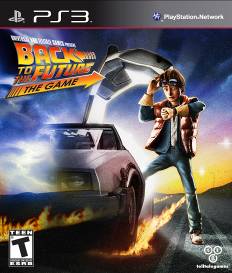
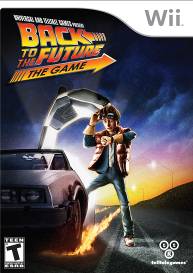
Telltale is proud to announce that their acclaimed Back to the Future: The Game is now available at retail for PlayStation 3 and Nintendo Wii. Available for the incredible price of only $19.99, Telltale Game’s acclaimed extension of the blockbuster movie trilogy has arrived on store shelves just in time for the holidays. So strap in, power up the flux capacitor and put the continued time traveling journeys of Doc Brown and Marty McFly at the top of your gift list.
If the Back to the Future fan on your shopping list has yet to experience the game that made Joystiq.com say “…managed to make me feel eight years old again” or IGN.com happily report that the game is “...a welcome surprise - it's a movie-inspired game that doesn't suck”, then now is your chance to give them the perfect holiday gift of Marty and Doc’s continued time spanning adventures, all on one disc!
In Back to the Future: The Game, players will travel through time as Marty McFly and play in a cinematic adventure true to the films. Back to the Future: The Game features a new storyline by original film series co-creator, screenwriter and producer Bob Gale along with the vocal talents of original movie cast members Christopher Lloyd (‘Doc’ Brown) and Claudia Wells (Jennifer Parker), with special cameo appearances by the one and only Michael J. Fox. It also introduces the spookily-accurate voice talent of A.J. LoCascio as Marty McFly.

Recommended Comments
Please sign in to comment
You will be able to leave a comment after signing in
Sign In Now